
About 4 min readNovus Stream Solutions
A failed load used to look like a slow one
For two weeks a broken launch and a slow one showed the same frozen progress bar. What the game page checks now, and why only two of the five can stop a launch.
- Engineering
- Loading
- Diagnostics
The release this is about
e7466503acf1744e, shipped August 3, 2026. Sculpted characters, the skill stick, and a failed load that finally says so.
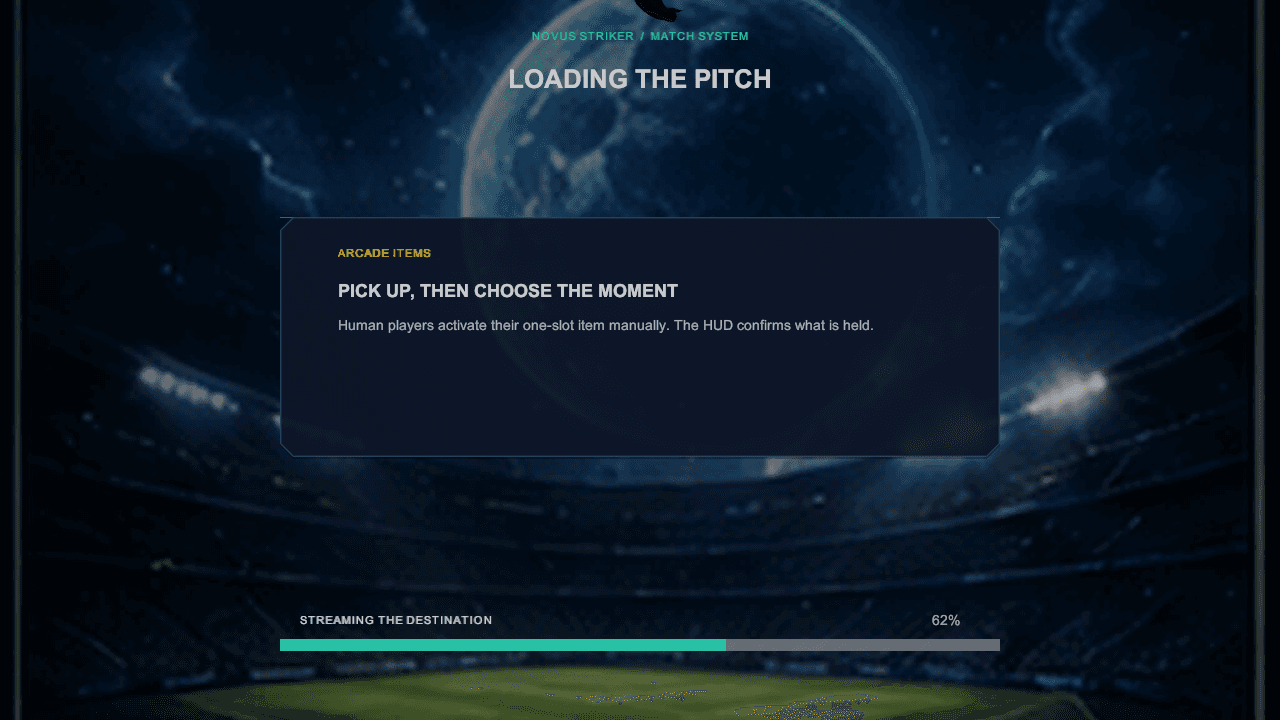
The picture above is the game's own loading screen, the one the engine draws once it is running. This post is about the screen before it: the website's, which is what you look at while the build is still arriving. For a fortnight it lied by omission.
The incident ran from 19 July to 3 August 2026. A launch that had failed and a launch that was merely slow produced exactly the same thing: a progress bar stopped part of the way across, with no message, no error and nothing to try. If your device could not run the game, the page never told you. It just kept looking busy.
Why it was invisible
The Unity player the site embeds does report this. react-unity-webgl exposes an initialisation error, and the page never read it. So a truncated download, a bad content encoding and an out-of-memory on a weak device all arrived at the same place: a value nothing was looking at, and a bar that stayed where it was.
There was no WebGL 2 check either, which is the part that made it a support problem rather than a bug report. Unity 6 WebGL requires WebGL 2. A browser without it was never going to run the game at all, and instead of being told that, it sat on the loading bar indefinitely, indistinguishable from a slow connection.
A failed load was indistinguishable from a slow one.
What the page does now
Five capability checks run before a single byte of the game is fetched. That ordering is the whole point of them: the check that existed before this work lived inside the component whose mount starts the download, so it ran alongside the fetch it was meant to prevent, and an unsupported browser still pulled the payload before being told it could not use it.
- WebGL 2, which is what the game renders every frame into.
- WebAssembly, which is what the game code is.
- Device memory, against a floor of 2 GB.
- Storage for the cache, so a second visit does not refetch everything.
- An input device, meaning a keyboard, a pad or a touchscreen.
Only the first two can stop a launch. Everything else reports and then gets out of the way, and that restraint is deliberate rather than lenient.
Four stages, and only one of them claims a number
Loading is reported as download, compile, initialise and cache. The download stage carries a percentage because the loader reports byte-weighted progress and the total size is known. The other three carry none, and say so in words instead.
That is the correction for what the single bar was actually guilty of. Nothing measures how far through compiling your browser is, so a bar that kept creeping during the compile was inventing the number it displayed. Naming the stage and admitting no progress is reported is less satisfying to look at and is true, and it is also what makes a stall diagnostic: a launch that stops in compile is a different problem from one that stops in download.
The diagnostic report, and where it goes
When a launch fails the page offers a report: the renderer and vendor strings, the browser, the stage that was in flight, the release id, the cache version, a short error code and the results of the five checks. It is shown in full before it is copied, so you can read exactly what you would be sending.
The other half of the same release
The build that closed this incident also corrected a number. The download size had been written into the site by hand, in four separate places, and every one of them overstated it by about seventy per cent against the build that was actually being served. It is now summed from the release manifest when the site is built, so the figure the page quotes cannot fall behind the build it is quoting for.
The same rule now covers the release id, the roster stats and the control bindings the guides print: if a value describes the installed build, it is read from the installed build. What is checked, what each stage means and every field of the report are written out on the help page.
Where to check this
Nothing above is written from memory. These are the pages and records each claim comes from.