Before you start
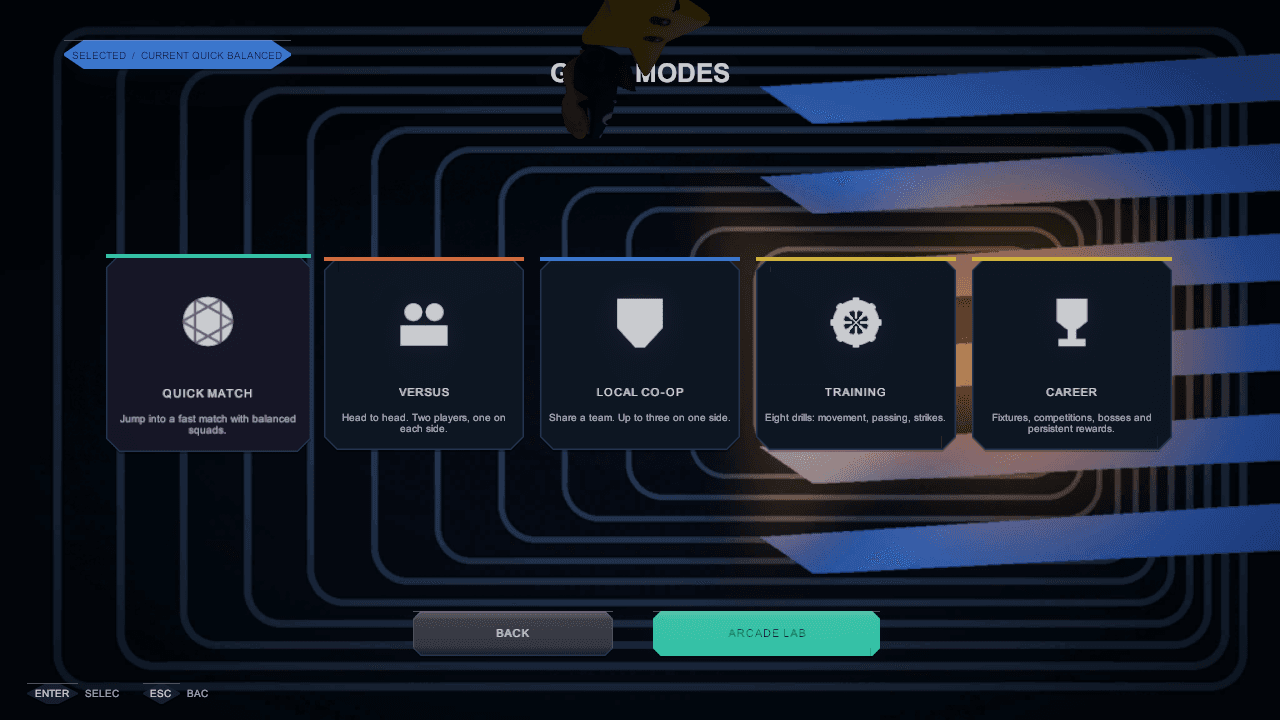
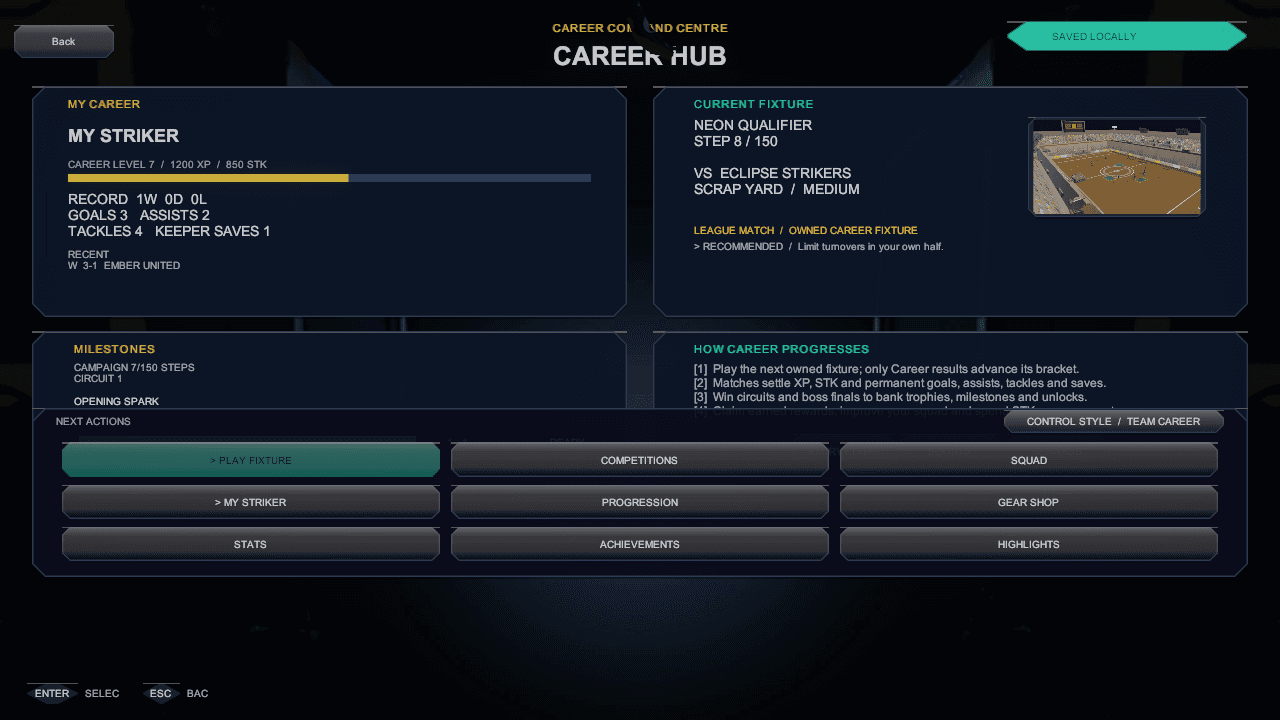
Every mode owns its own rules and its own consequences. Quick Match is consequence-free. Co-op and Versus are local multiplayer with explicit device ownership. The Training Academy teaches one system at a time. Career and Tournaments are where results persist — and only a fixture carrying the active career token can advance a career.
Step by step
What to actually do
- 01
Quick Match
One configurable local match: clubs, lineup, arena, rules and camera, with nothing at stake beyond the scoreline.
- 02
Local Co-op and Versus
Co-op puts multiple local humans on one team, with controller readiness confirmed before kickoff. Versus puts them on opposing teams, each side keeping independent control ownership.
- 03
Training Academy
Eight selectable lessons — movement, passing, receiving, shooting, defending, aerial play, items and Power Strikes — plus free practice kept separate for experimentation.
- 04
Career
The long game: saved Team and Pro control styles, competitions, rewards and boss finals. Local party profiles persist, and sessions advance only from owned fixture tokens.
- 05
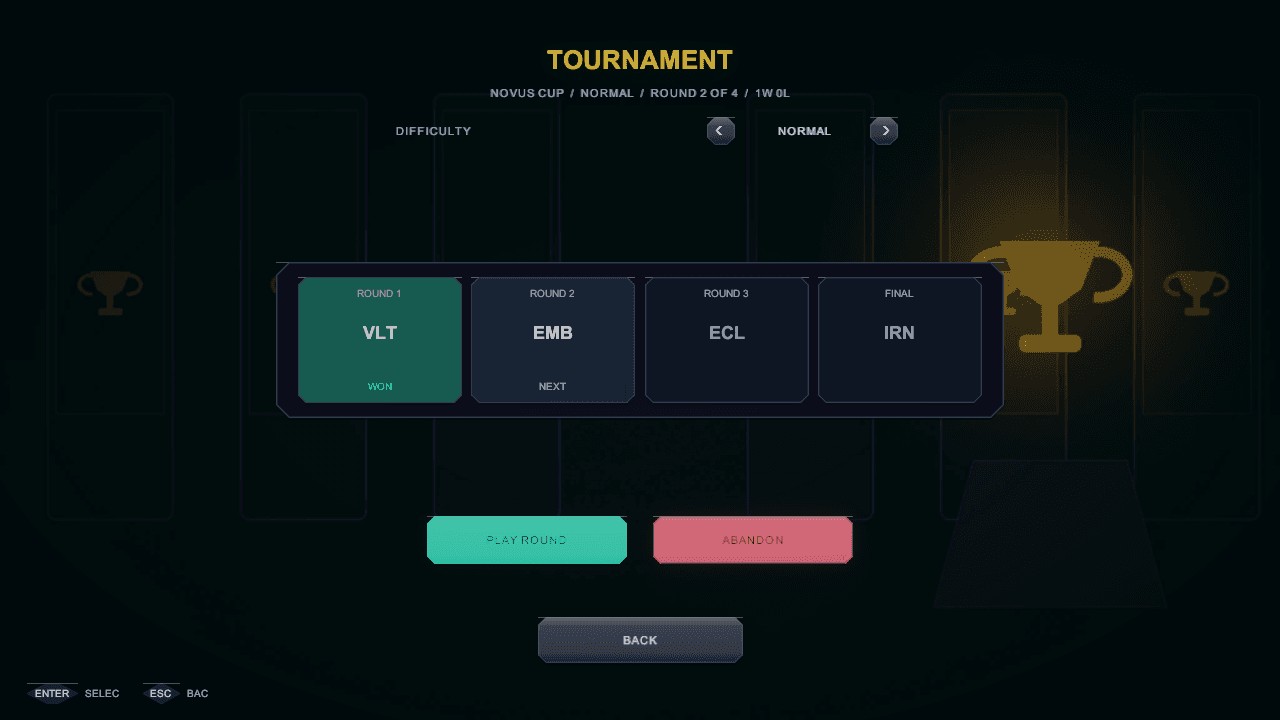
Tournaments
Cup, gauntlet and round-robin structures with bracket and result state persisting locally — the competitive spine without the career commitment.
- 06
Bring your own club
Each local profile can create custom clubs — name, crest preset, clash-safe colours, tactics and a unique lineup — and select them for Strike Road and Career.
Worth remembering
- Quick Match, Training and Versus can never advance a career run — a career fixture settles exactly once, from its own token.
- Regulation length is configurable from two to ten minutes in setup, with three minutes as the default.
See it in the build
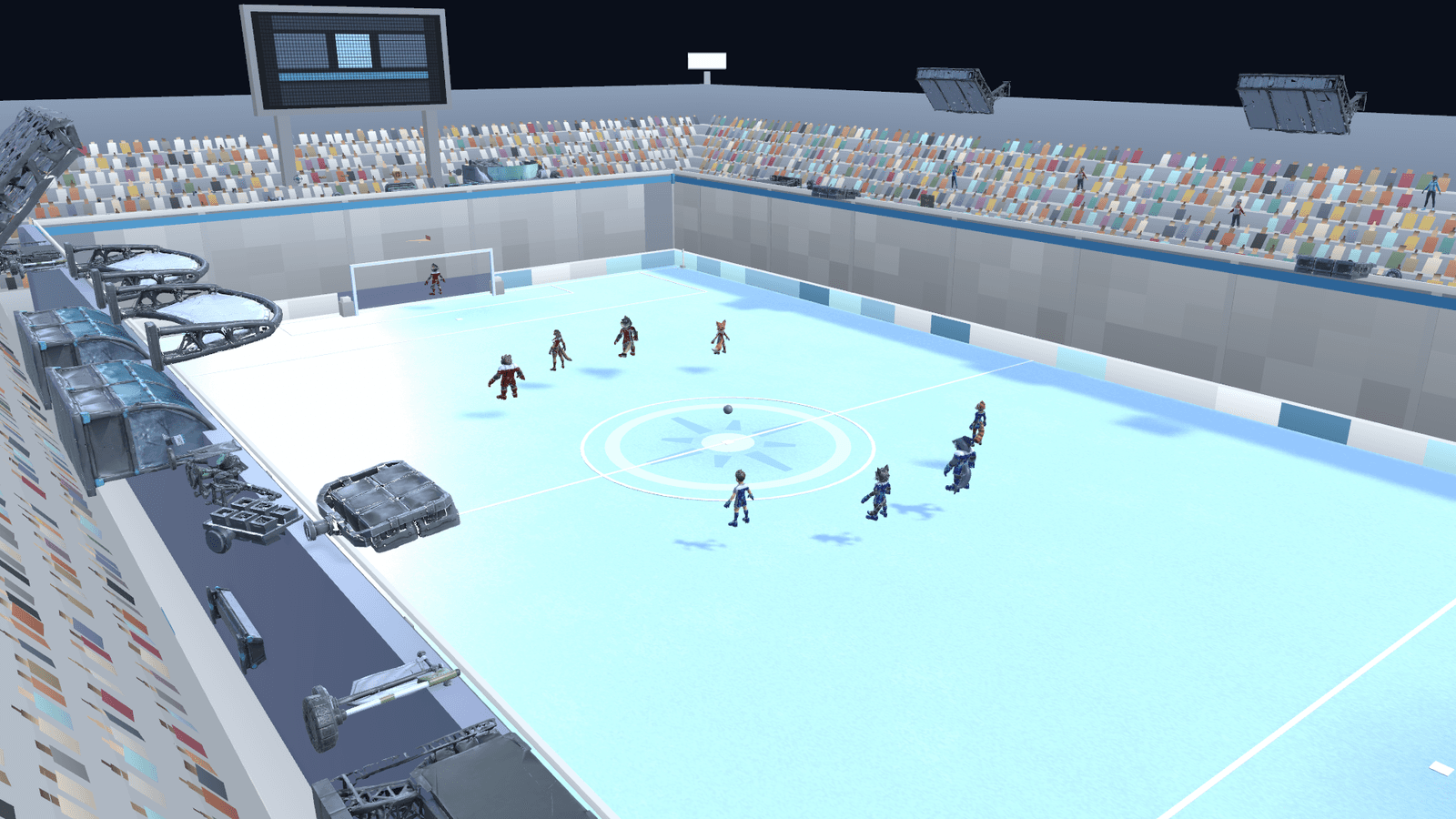
In-engine captures of the screens this chapter refers to, from the governed screens gallery.