Before you start
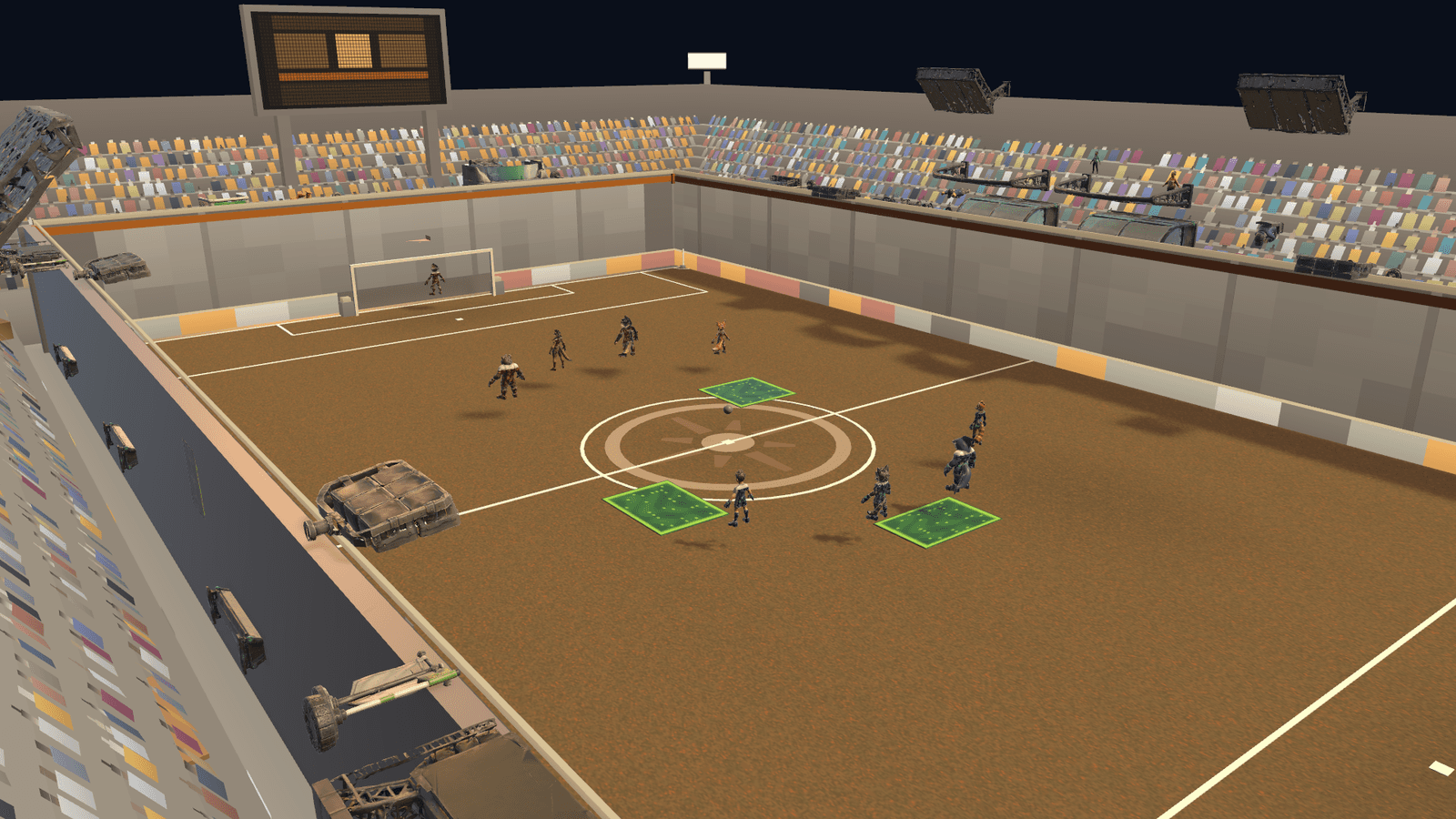
Items are the optional arcade layer: one-slot pickups that appear during supported matches. The draw is a seeded fair shuffle-bag — Surge Core, Pulse Disc, Gravity Snare, Impact Orb and Aegis Field never repeat before a full cycle completes — so the item game is fair by construction, not by apology.
Step by step
What to actually do
- 01
Collect one, carry one
Pickups are one-slot: you carry a single item until you use it. Grabbing a pickup while holding one is a decision about the item you already have.
- 02
Trust the bag
The shuffle-bag guarantee means you cannot be starved of an item or flooded with one: every item appears once per cycle before any repeats.
- 03
Use it on purpose
Item use is a deliberate button — E on keyboard, up on the d-pad — never an automatic trigger. AI opponents make the same explicit decision.
- 04
Know the five
Each item has one clear job — a speed window, a forward pulse, an area slow, radial knockback, a tackle shield. The items page breaks down what each one does and how to play against it.
- 05
Set the table before kickoff
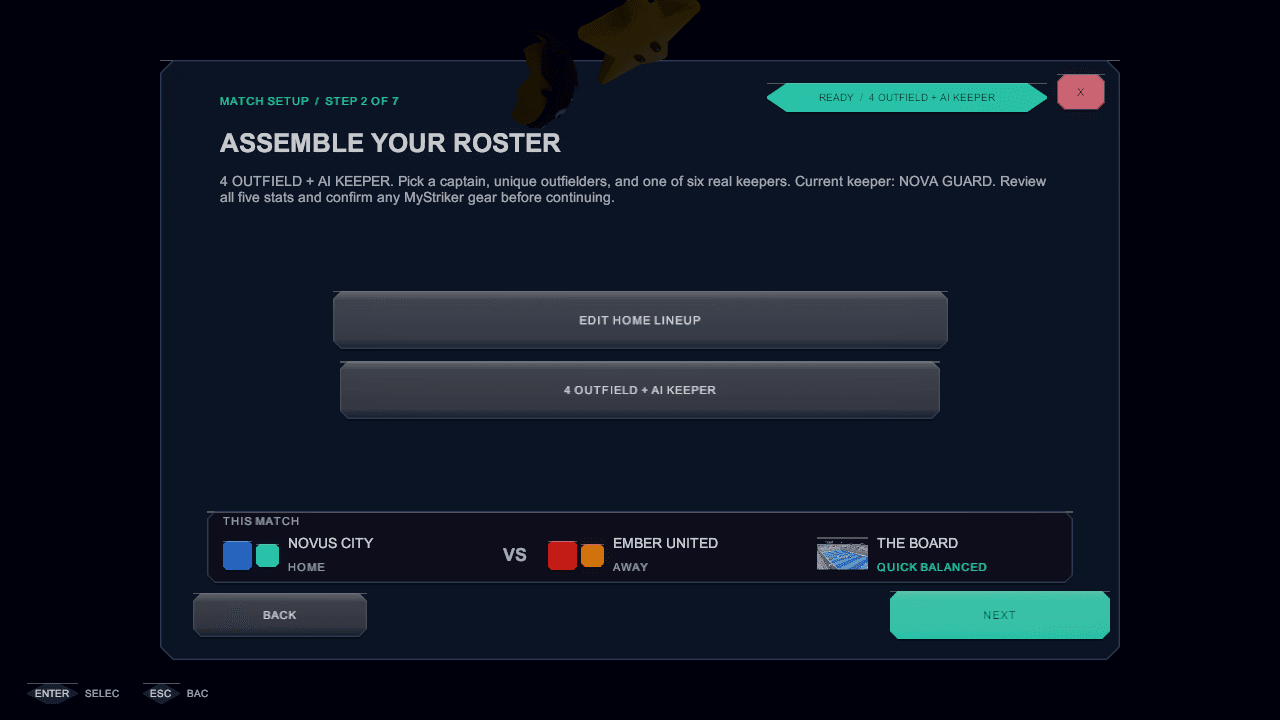
Match setup carries an item preset, including turning items off entirely. Every preset draws from the same five-item catalog — presets change how often, never what.
Worth remembering
- An item goal is worth one, like every other goal.
- Touch currently has no item-use control — play with items on keyboard or controller.
See it in the build
In-engine captures of the screens this chapter refers to, from the governed screens gallery.