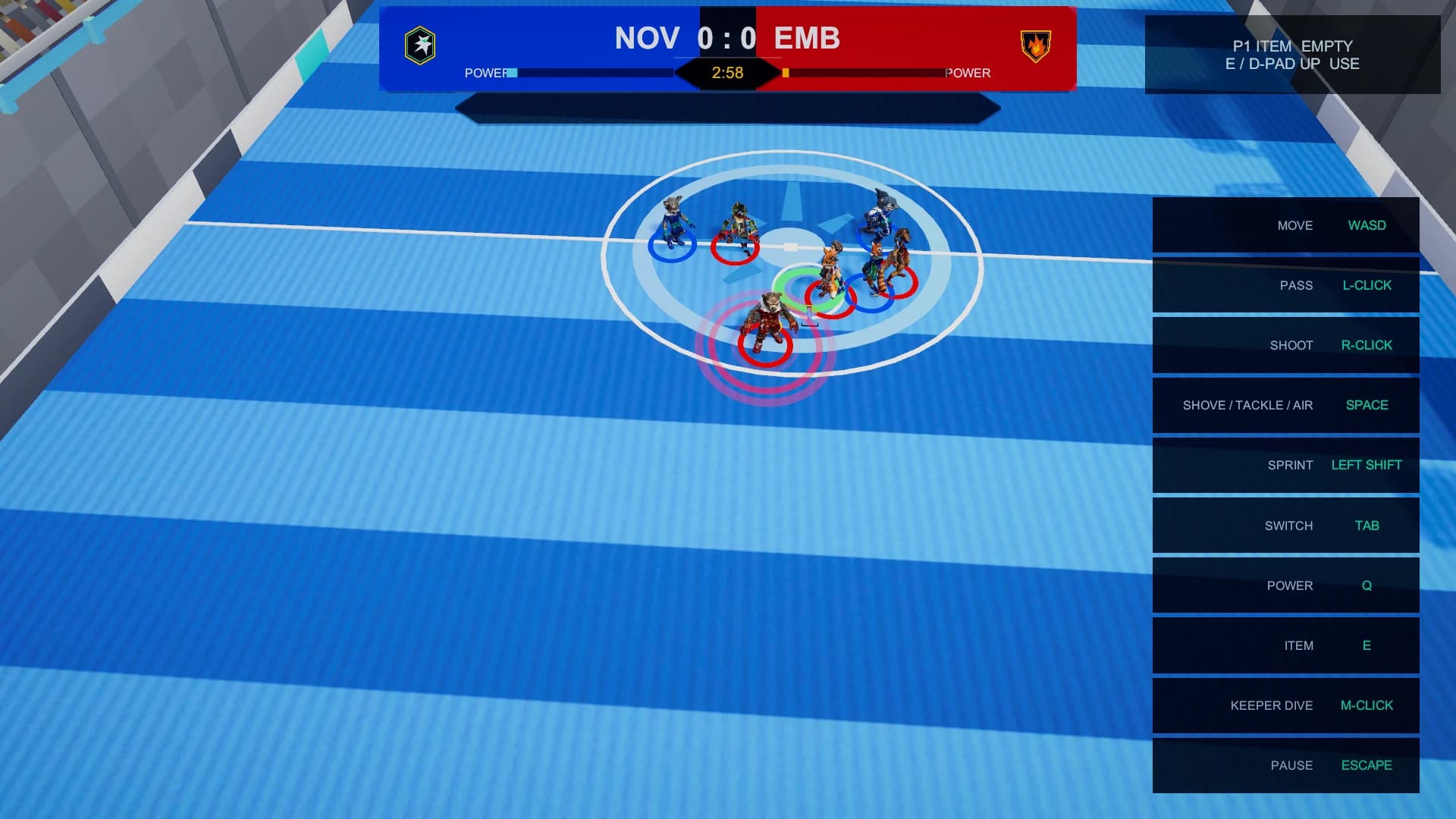
Before you start
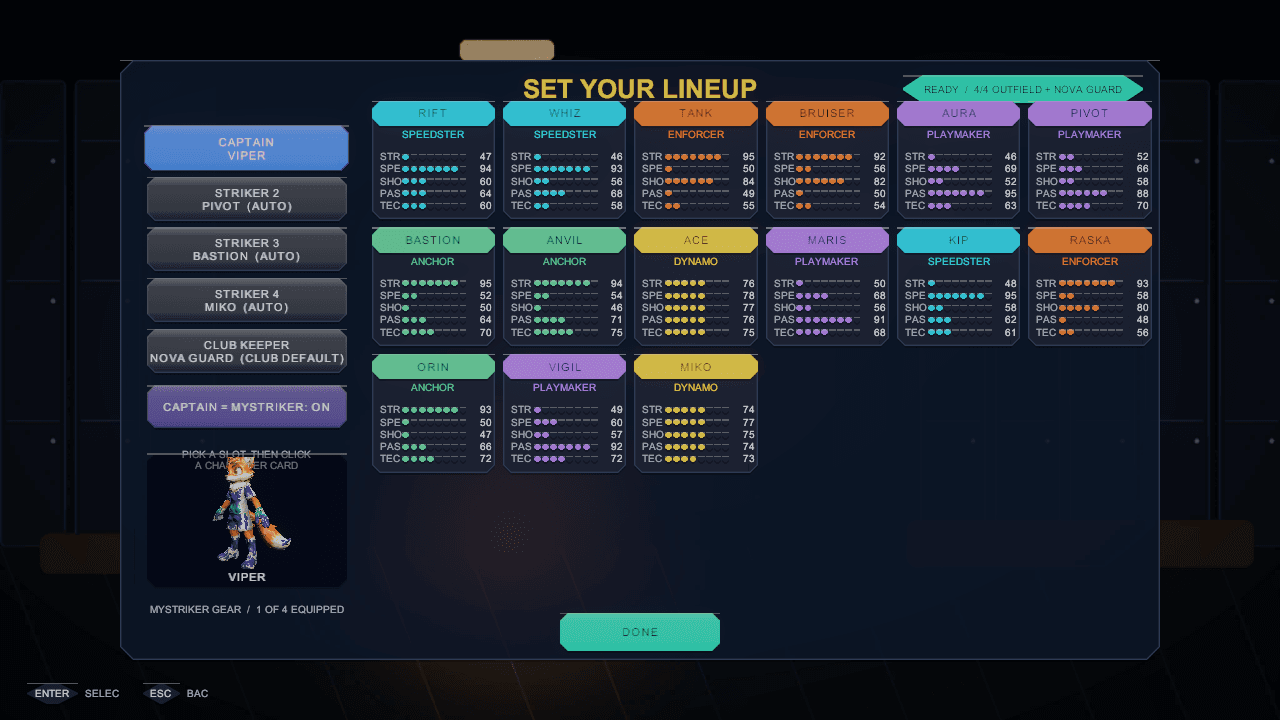
Quick Match is one configurable local match: you choose the clubs, the lineup, the arena, the rules and the camera, and nothing you do in it can touch a career save. The default team format is four outfield strikers in front of an AI keeper, so your first job is only ever the outfield.
Step by step
What to actually do
- 01
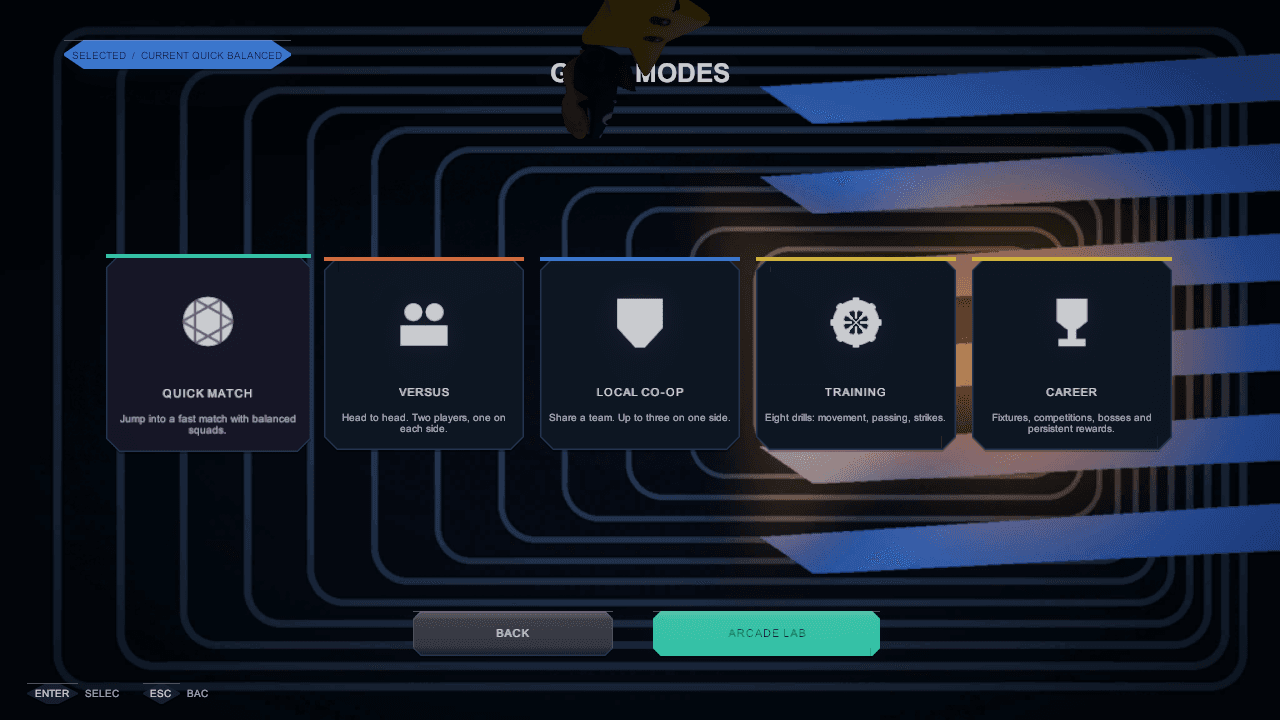
Pick Quick Match from the mode board
The mode board is the first decision. Quick Match is the no-strings option: one local match you configure yourself, with no career token attached to the result.
- 02
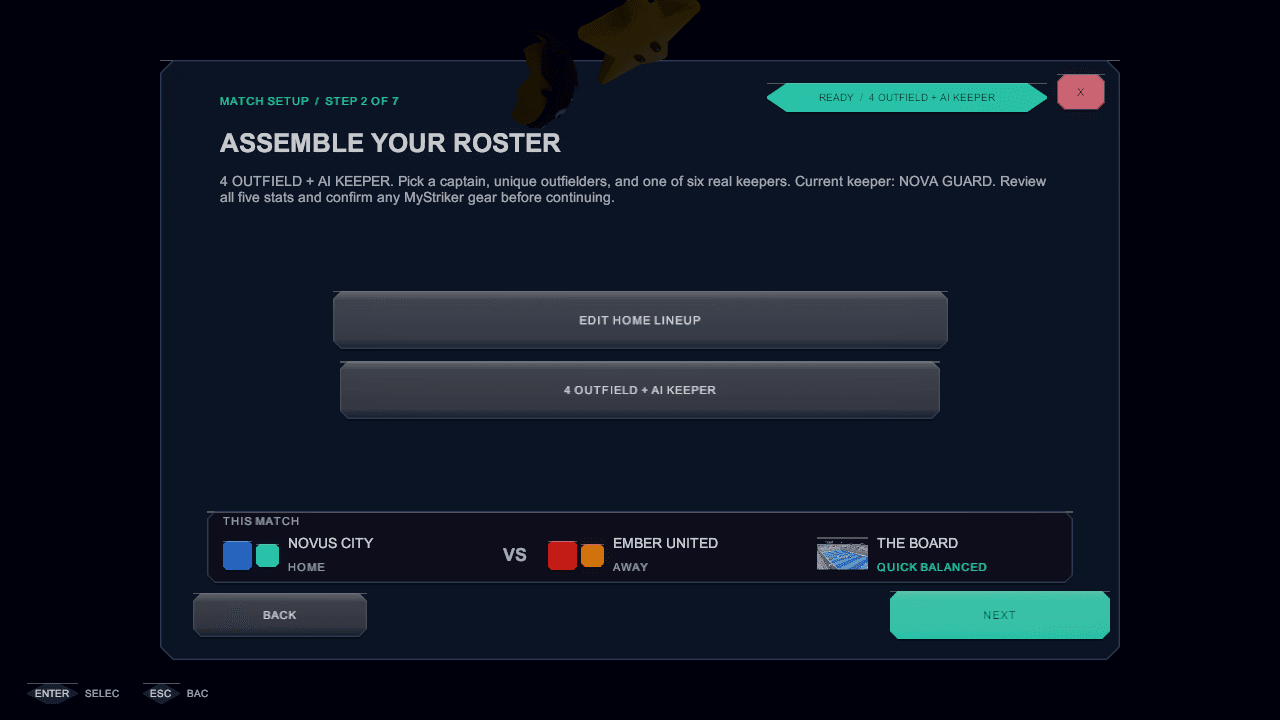
Build the matchup
Setup walks through clubs, lineup, arena and rules. The default format is 4 outfield + AI keeper, with a 3 outfield alternate; regulation defaults to three minutes and can be set from two to ten.
- 03
Move first, sprint second
Move with the left stick, WASD, arrows or the touch joystick. Sprint is a separate control and spends finite stamina, so save the dash for closing a lane rather than holding it everywhere.
- 04
Tap to act, hold to charge
A tap passes or shoots immediately. Holding charges the action — release near full for a perfect one. Holding past full is unsafe: you lose the safe release instead of gaining free power.
- 05
Play to the whistle
A match is one period. A drawn match can go to a sixty-second golden-goal period and then a three-round shootout, so a tie is never the end of the story.
Worth remembering
- Every goal is worth exactly one — normal, item-assisted or Power Strike. Nothing multiplies the score.
- The keeper is AI-controlled in every format, so nobody has to play in goal.
- Switch hands you a different striker; use it the moment the ball changes sides.
See it in the build
In-engine captures of the screens this chapter refers to, from the governed screens gallery.