
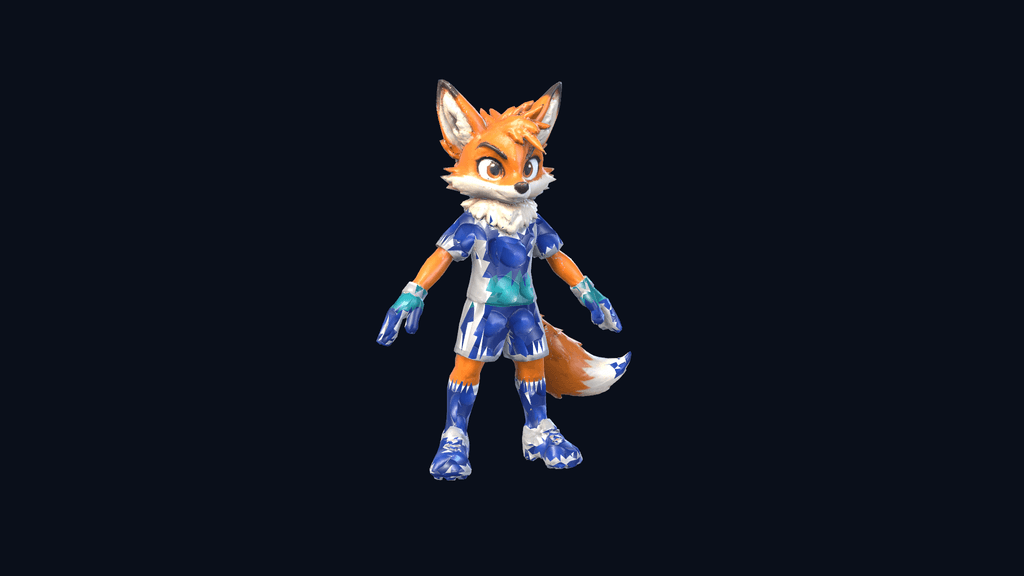
What this screen is for
Move Lab is the non-destructive character move browser shared by the Roster and game guide. It separates universal football actions from genuine character signatures, displays authoritative keyboard, controller and touch bindings, and plays only validated animation variants on the selected athlete.
The flow
From landing page to next action
- 01
Choose
Select any available athlete; locked bosses remain readable opponent previews rather than selectable players.
- 02
Inspect
Compare shared actions and the athlete's real signature move, including controls, timing and tactical use.
- 03
Preview
Play a validated animation variant on the menu stage, then return to the exact roster or guide position.
What players can expect
- Locomotion, dribbling, passing, receiving, shooting, aerial, defending, item and Power Strike categories
- Character preview with anticipation, contact, follow-through, recovery and input timing
- Signature name, behaviour, strengths and counterplay without changing a save or starting a match