
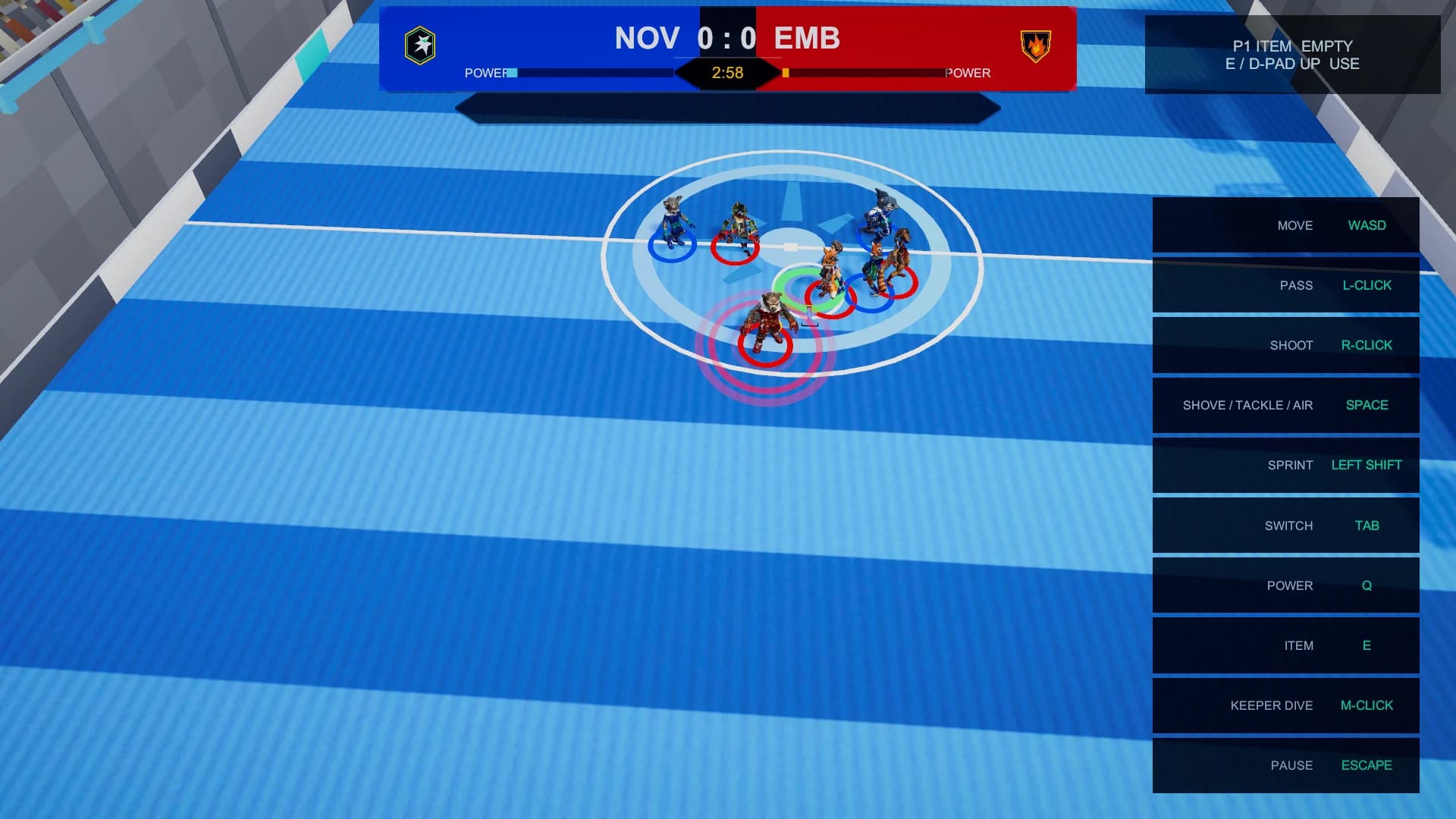
What this screen is for
The controls surface always exposes all three input schemes. Controller focus, reconnect state, pause navigation, sliders, rebinding and touch safe areas are part of the same supported flow rather than mouse-only exceptions.
The flow
From landing page to next action
- 01
Connect
Press a button to identify a controller and claim the intended local player slot.
- 02
Learn
Open the persistent control reference without leaving the current flow.
- 03
Tune
Rebind actions and adjust accessibility settings with mouse, keyboard, pad or touch.
What players can expect
- Move, aim, pass, lob, free pass, shoot, tackle, dash, deke, switch and use item
- Xbox, PlayStation and Nintendo-style label families
- Reduced motion, effects, touch sizing and colour-vision settings